
Computers for Modelers
By Bruce R. Evans
More than ever before, computers can come to the aid of modelers. Presented here are practical ways they can help you and your club.
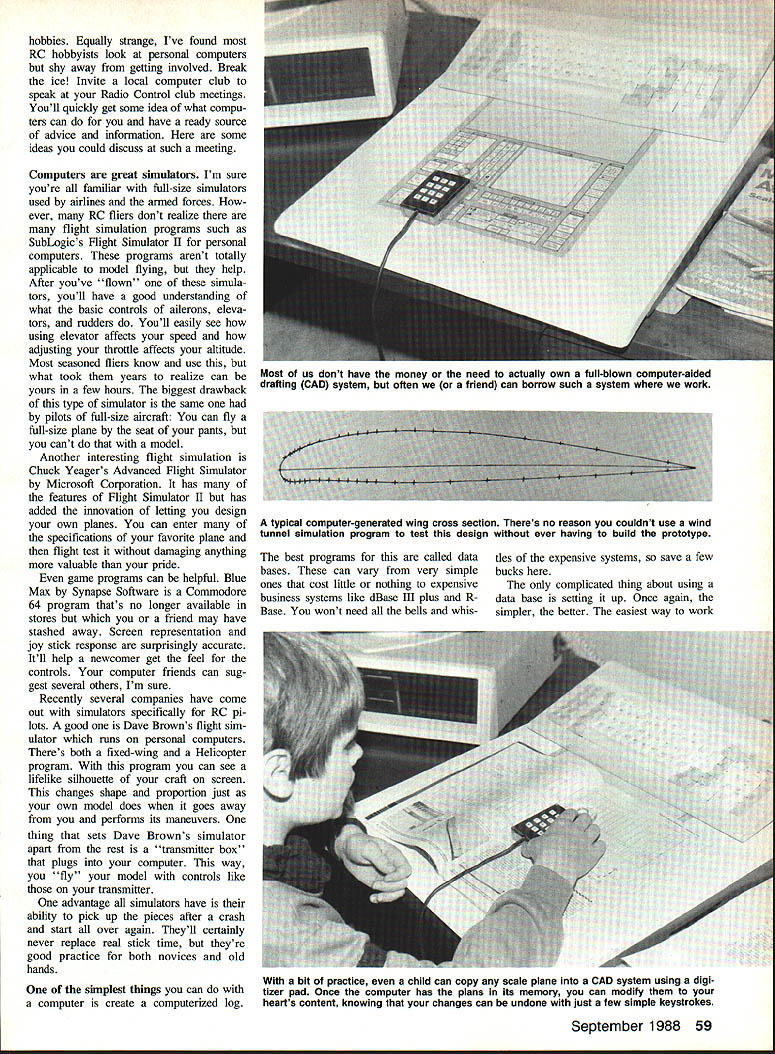
Before I became interested in RC flying, I built home‑brew computers. Naturally, when I jumped into modeling I brought my computers with me. It was a made‑in‑heaven marriage of hobbies. Unfortunately, most modelers don't realize what uses personal computers have for their hobby. I hope this article will help you discover that potential.
For some reason, I’ve found computer users to be interested in but scared off by RC pilots. Equally strange, RC hobbyists often look on personal computers and shy away from getting involved. Break the ice: invite a local computer club to speak at your radio‑control club meetings. You'll quickly get an idea of what computers can do, a ready source of advice and information, and ideas you could discuss at such a meeting.
Computers are great simulators
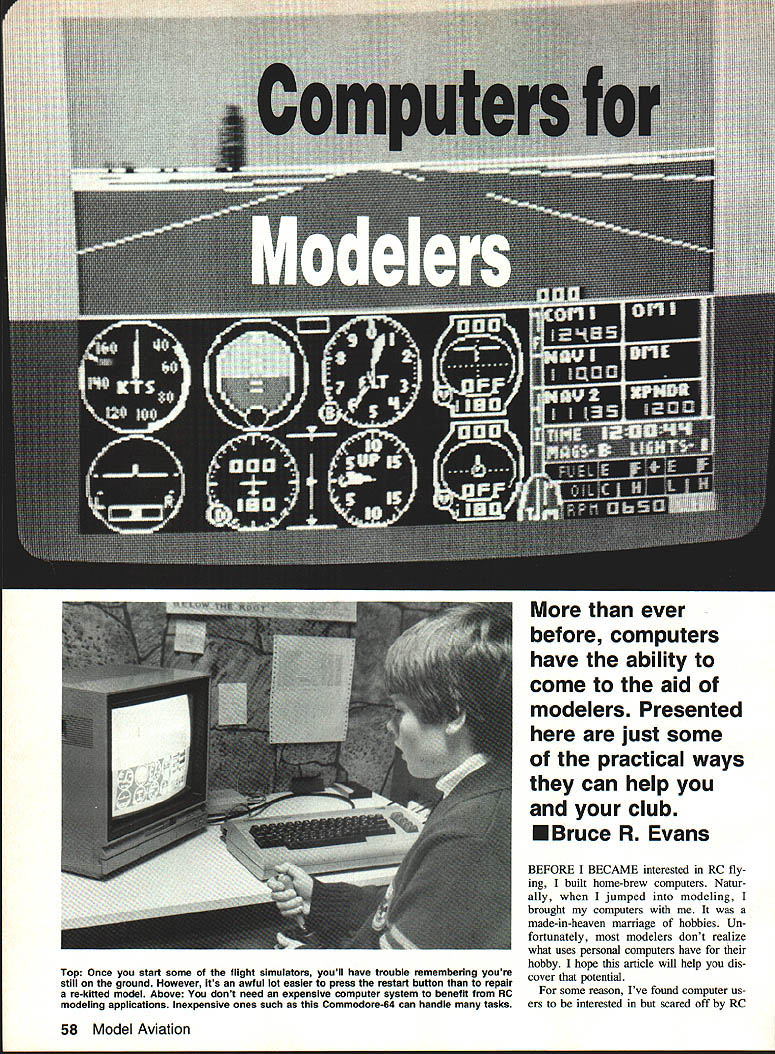
Personal‑computer flight simulators can teach you the basic controls (ailerons, elevator, rudder) and how control inputs affect speed and altitude. What often took seasoned fliers years to learn can be picked up in a few hours on a simulator. The biggest drawback is the same one full‑size pilots cite: simulators can’t fully replace “seat‑of‑the‑pants” flying or model stick time.
Examples of useful simulators:
- SubLogics' Flight Simulator II — good for learning basic control effects, though not tailored specifically for RC.
- Chuck Yeager's Advanced Flight Simulator (Microsoft) — includes plane design features so you can enter specifications and flight‑test designs without risk.
- Blue Max (Synapse Software, Commodore 64) — a game‑style program with surprisingly accurate on‑screen representation and joystick response; useful for beginners.
- Dave Brown’s RC flight simulator — available specifically for RC pilots; includes fixed‑wing and helicopter programs and can display a lifelike silhouette of your craft. Its transmitter box plugs into the computer so you fly with controls like your real transmitter.
Simulators’ chief advantage is the ability to recover from crashes instantly and keep practicing. They won’t replace real stick time, but they’re valuable practice for novices and veterans alike.
Computerized logs and databases
One of the simplest computer uses is a computerized log. Database programs range from free/simple packages to expensive business systems (dBase III+, RBase). You don’t need the most expensive system; simpler is often better. Think of a database as a filing cabinet:
- A record = a file folder for each airplane.
- Fields = individual pieces of information within that record.
Suggested minimum fields to track:
- Cost and dealer
- Time to build
- Flight time
- Repairs and modifications
- Battery cycles and recharge dates
- Receipts and repair records
- Awards won
With these records you can:
- Compare planes for performance, cost, and suitability for novices.
- Track total hours and dollars invested, or the enjoyment and awards gained.
- Maintain plane health: see battery life, repair frequency, and when parts should be replaced.
- Keep documentation handy for insurance or resale.
Design, calculations, and CAD
Let computers do tedious drafting and calculations. Examples of handy programs:
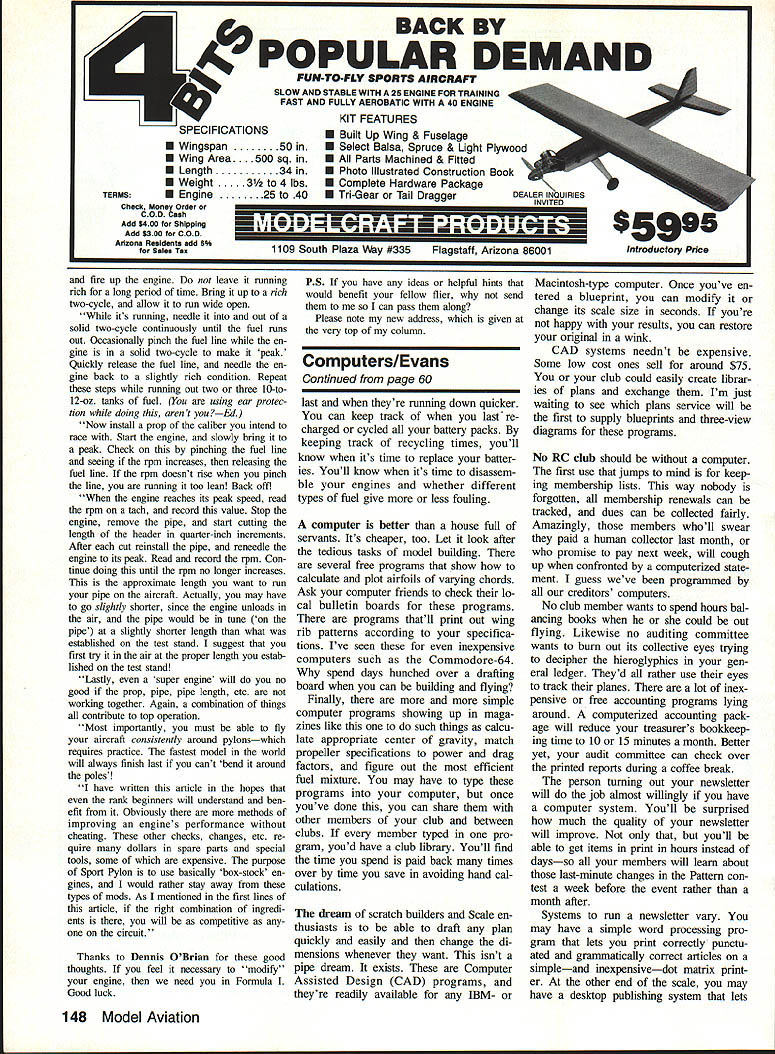
- Airfoil calculators and plotters — several free programs exist that calculate and plot airfoils for varying chords.
- Wing rib pattern generators — print rib patterns to your specifications; available even for inexpensive machines (e.g., Commodore‑64 era).
- Simple utilities in magazines or bulletin boards — programs to calculate center of gravity, match propeller specs to power and drag, and compute fuel mixtures.
You may need to type some programs in, but once entered you can share them with club members to build a club library.
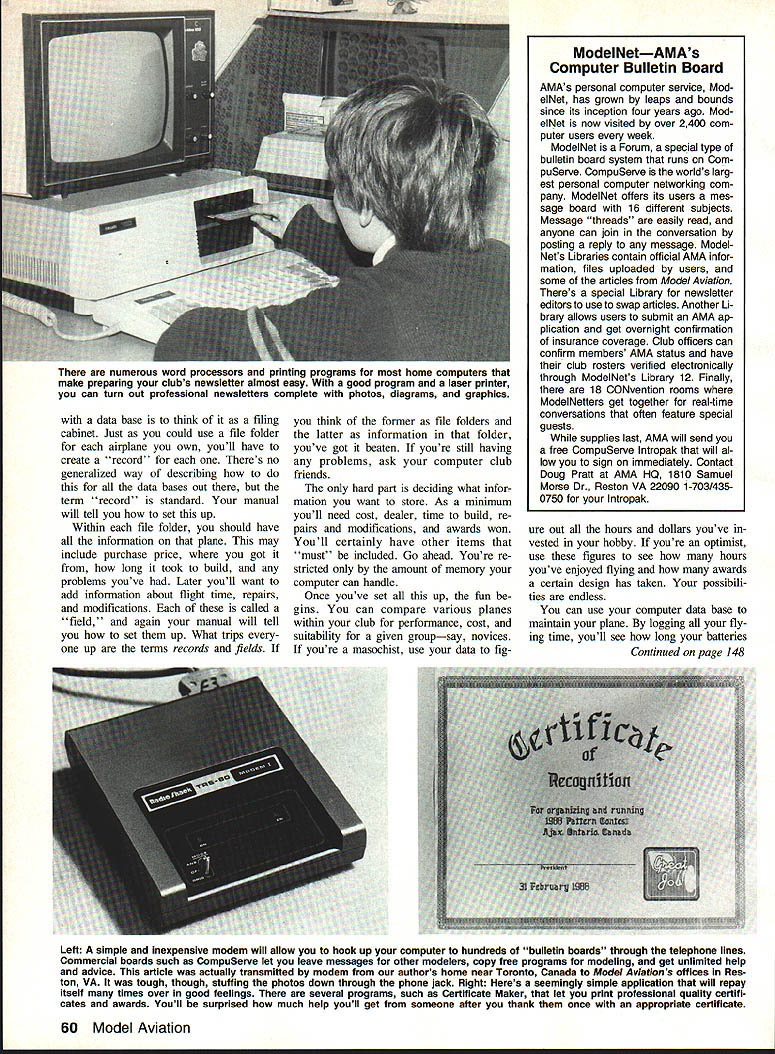
Computer‑Aided Design (CAD) is available for IBM‑ and Macintosh‑type computers. With CAD you can:
- Enter a blueprint and modify or rescale it in seconds.
- Restore originals instantly if you’re not satisfied.
CAD systems need not be expensive; some low‑cost options sell for around $75. Clubs can create and exchange libraries of plans and three‑view diagrams.
Club administration, accounting, and publishing
No RC club should be without a computer for administration:
- Membership lists — track renewals, dues, and contact information so nobody is forgotten.
- Accounting — inexpensive computerized accounting packages reduce treasurer work to minutes a month and make audits quick and transparent.
- Newsletters — word processing and desktop publishing make newsletter production faster and improve quality. Options range from simple word processors (paired with dot‑matrix printers) to desktop publishing systems with laser printers for graphics and high‑quality output. Often the choice depends on members’ access to office systems as much as club budget.
Online access and bulletin boards
Connecting a computer to a telephone via a modem opens vast resources. Once online, you can:
- Call computer bulletin boards (BBS) to send and receive messages with people who share your interests.
- Download programs such as wing‑rib plotters, club mailing list organizers, or center‑of‑gravity calculators.
- Use commercial services (e.g., CompuServe, The Source) to access networks like ModelNet devoted to model planes, cars, and boats. These services often have local dial‑in numbers to avoid long‑distance charges.
- Create single‑purpose bulletin boards for event schedules, message exchanges, and advice.
- Post club newsletters online so members and other clubs can read them immediately.
The uses are limited only by your club’s imagination.
Final note
A computer is better than a house full of servants for tedious tasks — and cheaper. It saves time on drafting, calculations, recordkeeping, accounting, and publishing. The only danger is spending more time running the computer than flying or building. Don’t let that stop you from learning the benefits a personal computer can bring to your flying.
Transcribed from original scans by AI. Minor OCR errors may remain.

