
RADIO CONTROL SCALE
Jeff Troy — 19 East Mt. Pleasant Ave., Ambler, PA 19002
I've often heard our sport-type counterparts quip that Scale modelers don't fly very well. That's a very broad statement, but admittedly there's more than just a hint of truth in it.
In the days when many of today's Scale fliers got their start in the hobby—long before the time of instant adhesives and laser-cut parts—there was no such thing as an Almost Ready to Fly or Almost Ready to Cover model airplane. There were only kits and plans. Anyone who wanted to fly a model airplane was positively required to build one, and not everyone enjoyed that end of the hobby to an equal degree.
As newcomers joined the hobby, they would either regard the building process as a necessary evil or fall captive to the challenge and rewards of constructing a flying machine with their own hands. Many of those who enjoyed their early building experiences became modelers for life, persistently developing and refining their craftsmanship skills before showing any strong desire to take their creations to the local flying site. Ultimately, a large percentage of these modelers became dedicated Scale modelers, and for the majority, their highly developed talents at the workbench were rather obviously superior to their flying skills.
With a few exceptions, sport and Scale modelers in the past had focused on different priorities. In recent years, however, the two camps have become more closely intertwined. The positive benefits of each group have made a big impression on the other, and Scale types are now showing much more interest in seeing their handiwork come to life in the air.
Today's radio control flight simulator software for home computers has done a lot to reduce the risk of learning to fly, and many Scale modelers are using this remarkable electronic innovation to help them even the score with their hole-boring brethren.
Before embarking on that trip to the flying field, a Scale modeler can choose from a broad selection of kits and plan-built Scale models, then put endless hours of cyber stick-time on a computer-generated equivalent of the model he or she has chosen to build.
Few modelers would ever argue the value of hands-on stick time at the flying field, but even with the best of instructors, there's always the risk of the unexpected—the rare radio failure, the tree that grows too quickly, the ground that rises a little too sharply, or the student who just plain stinks on ice.
Since the introduction of Dave Brown's original RCFS (Radio Control Flight Simulator), more and more would-be pilots are finding that it's easier to survive their early errors on the computer screen than on the flightline.
Brown's lead has been followed by a number of others, including:
- Ambrosia
- CSM (from England)
- Great Planes, most recently, with their RealFlight and "Add-ons" upgrade
Top Gun flight judge Tom Kozel and I have assembled an overview of three very popular aircraft simulators. Our quick peeks are feature-based and straight to the punch. Each simulator has at least one feature that the others don't include, and each of the three offers would-be and experienced fliers a long list of Emotional Debt Factor (EDF)-saving reasons to take it home.
Editor's note
Great Planes' simulator will be discussed this month; next month the Dave Brown and CSM simulators will be presented, along with a features chart.
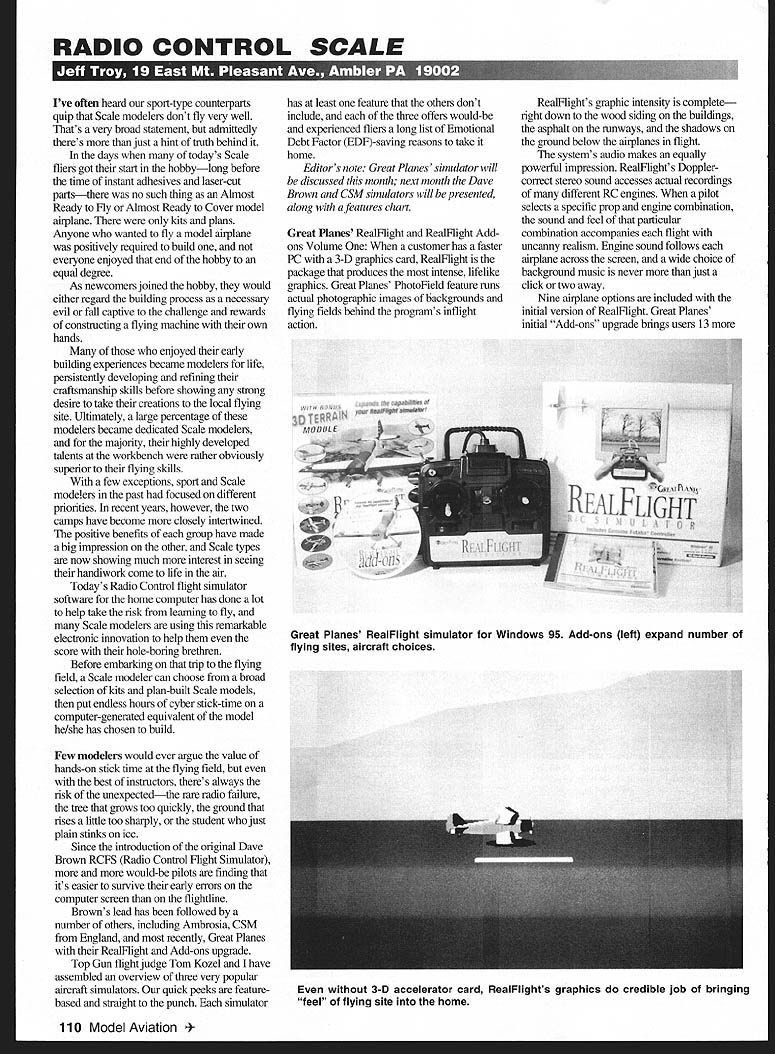
Great Planes' RealFlight and RealFlight Add-ons Volume One
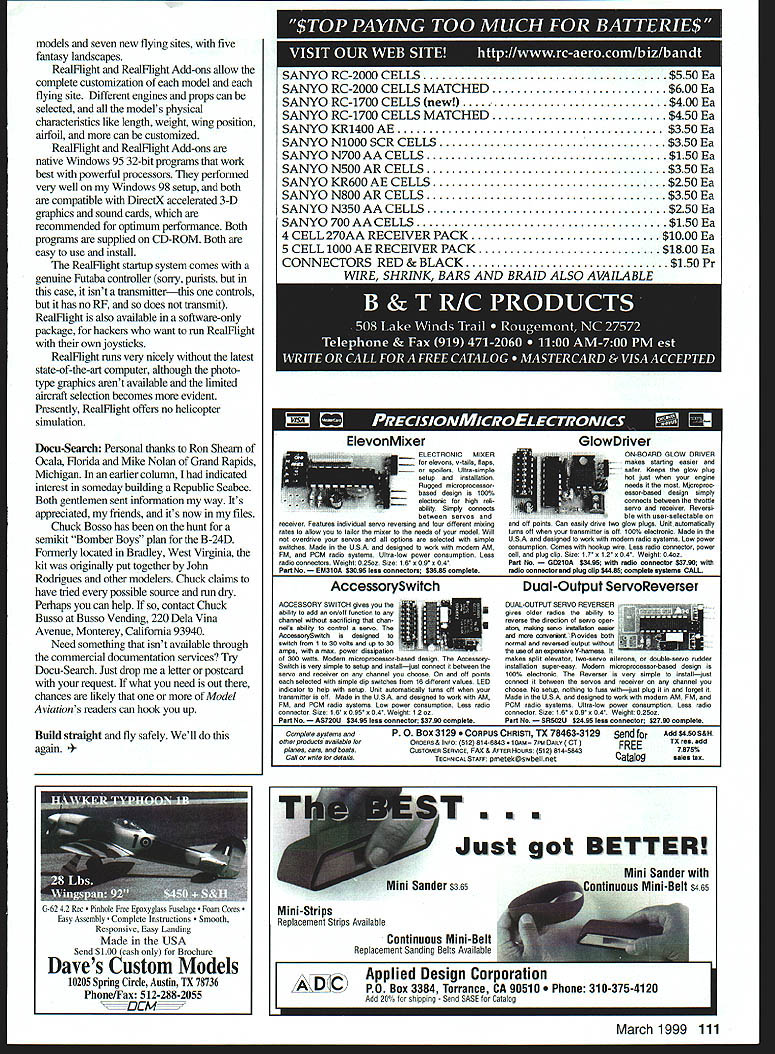
When a customer has a faster PC with a 3-D graphics card, RealFlight is the package that produces the most intense, lifelike graphics. Great Planes' PhotoField feature runs actual photographic images of backgrounds and flying fields behind the program's inflight action.
RealFlight's graphic intensity is complete—right down to the wood siding on the buildings, the asphalt on the runways, and the shadows on the ground below the airplanes in flight.
The system's audio makes an equally powerful impression. RealFlight's Doppler-correct stereo sound accesses actual recordings of many different RC engines. When a pilot selects a specific prop and engine combination, the sound and feel of that particular combination accompanies each flight with uncanny realism. Engine sound follows each airplane across the screen, and a wide choice of background music is never more than just a click or two away.
Key features:
- Nine airplane options are included with the initial version of RealFlight.
- The RealFlight "Add-ons" upgrade brings 13 more aircraft and expands the number of flying sites.
- Complete customization of the model and flying site: different engines and props can be selected; models' physical characteristics like length, weight, wing position, and airfoil can be customized.
- PhotoField photorealistic backgrounds (best with a 3-D graphics card).
- Doppler-correct stereo engine sounds using recorded engines.
Technical notes and packages:
- RealFlight and RealFlight Add-ons are native Windows 95 32-bit programs; they work best on powerful processors and perform very well under Windows 98.
- Recommended hardware: DirectX-accelerated 3-D graphics card and an accelerated sound card for optimum performance.
- The RealFlight startup system comes with a genuine Futaba controller (this unit controls but does not transmit RF).
- RealFlight is also available in a software-only package for users who want to run it with their own joysticks.
RealFlight runs acceptably on less powerful computers, although the photorealistic graphics aren't available and the limited aircraft selection becomes more evident. Presently, RealFlight offers no helicopter simulation.
Transcribed from original scans by AI. Minor OCR errors may remain.

