
Radio Technique
George M. Myers
UP HERE in the Northeast autumn has arrived and it's time to think of putting away the equipment for another season. I have a tendency to keep charging the batteries in hopes of a little more good weather, but realistically I would do as well to forget it. So what should be done instead of all that wishful thinking?
First, remove all of the equipment from your various aircraft and field kits and clean it. Soap and water go a long way here. I prefer a dish detergent like Lux, but you can use whatever works for you. Things to avoid are lacquer thinner, caustic cleaners like Fantastic, and similar preparations which will attack the plastic cases of your servos, cloud your meter faces and otherwise spoil your day. In the event that you have already clouded a meter face with high-nitro fuel or something, use a soft rag, toothpaste and a little water. It can work wonders toward restoring a like-new appearance. Wood alcohol, which is poisonous, works well in removing that sticky scum of castor oil that gets on everything. Wood alcohol (methanol) is the basic ingredient of model airplane fuel.
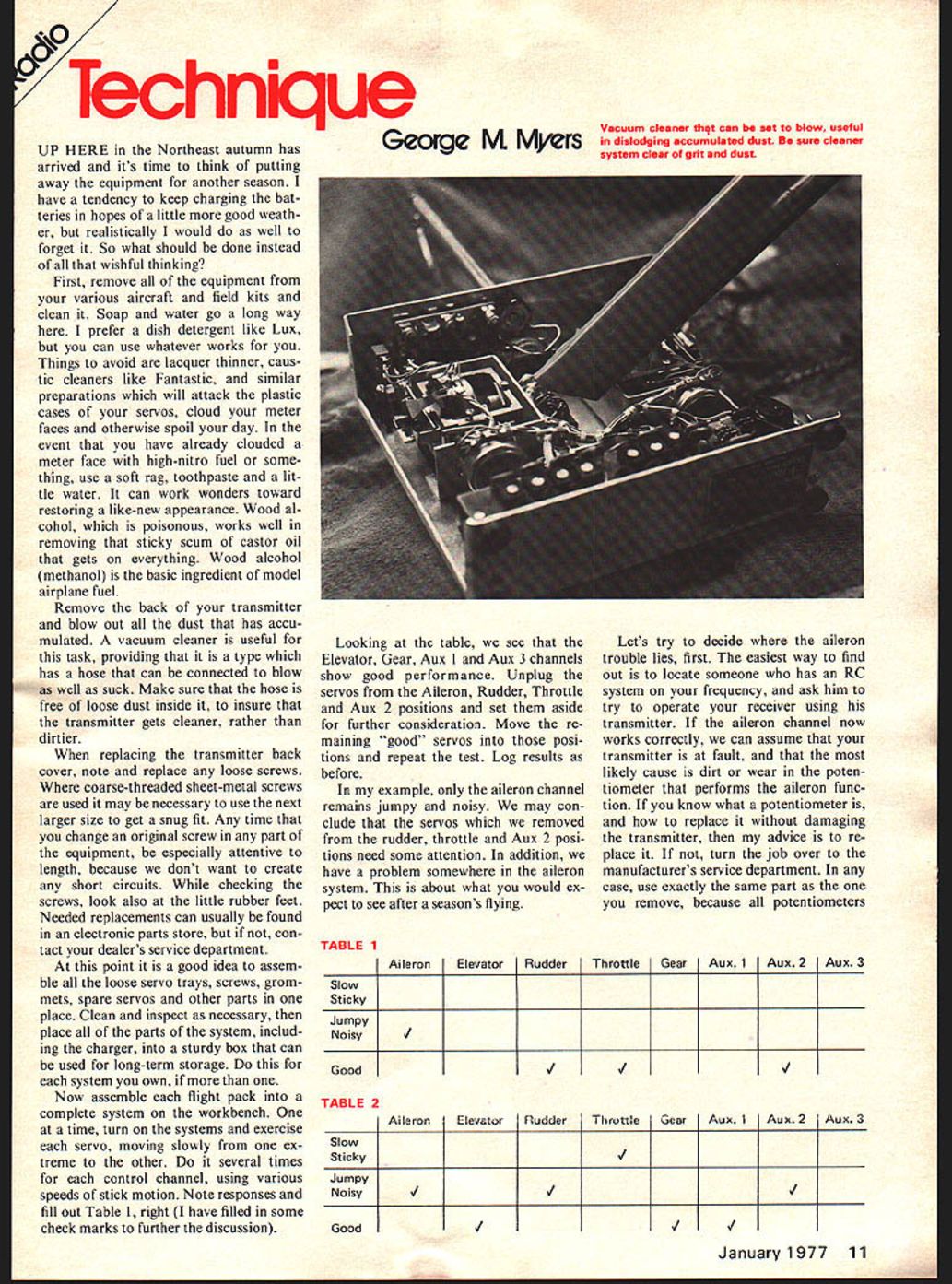
Remove the back of your transmitter and blow out all the dust that has accumulated. A vacuum cleaner is useful for this task, providing that it is a type which has a hose that can be connected to blow as well as suck. Make sure that the hose is free of loose dust inside it, to insure that the transmitter gets cleaner, rather than dirtier.
When replacing the transmitter back cover, note and replace any loose screws. Where coarse-threaded sheet-metal screws are used it may be necessary to use the next larger size to get a snug fit. Any time that you change an original screw in any part of the equipment, be especially attentive to length, because we don't want to create any short circuits. While checking the screws, look also at the little rubber feet. Needed replacements can usually be found in an electronic parts store, but if not, contact your dealer's service department.
At this point it is a good idea to assemble all the loose servo trays, screws, grommets, spare servos and other parts in one place. Clean and inspect as necessary, then place all of the parts of the system, including the charger, into a sturdy box that can be used for long-term storage. Do this for each system you own, if more than one.
Now assemble each flight pack into a complete system on the workbench. One at a time, turn on the systems and exercise each servo, moving slowly from one extreme to the other. Do it several times for each control channel, using various speeds of stick motion. Note responses and fill out Table 1, right (I have filled in some check marks to further the discussion).
Looking at the table, we see that the Elevator, Gear, Aux 1 and Aux 3 channels show good performance. Unplug the servos from the Aileron, Rudder, Throttle and Aux 2 positions and set them aside for further consideration. Move the remaining "good" servos into those positions and repeat the test. Log results as before.
In my example, only the aileron channel remains jumpy and noisy. We may conclude that the servos which we removed from the rudder, throttle and Aux 2 positions need some attention. In addition, we have a problem somewhere in the aileron system. This is about what you would expect to see after a season's flying.
Let's try to decide where the aileron trouble lies, first. The easiest way to find out is to locate someone who has an RC system on your frequency, and ask him to try to operate your receiver using his transmitter. If the aileron channel now works correctly, we can assume that your transmitter is at fault, and that the most likely cause is dirt or wear in the potentiometer that performs the aileron function. If you know what a potentiometer is, and how to replace it without damaging the transmitter, then my advice is to replace it. If not, turn the job over to the manufacturer's service department. In any case, use exactly the same part as the one you remove, because all potentiometers
TABLE 1 Aileron | Elevator | Rudder | Throttle | Gear | Aux. 1 | Aux. 2 | Aux. 3 Slow Sticky Jumpy / Noisy ✓ (Aileron) Good ✓ (Elevator) ✓ (Gear) ✓ (Aux. 1) ✓ (Aux. 3)
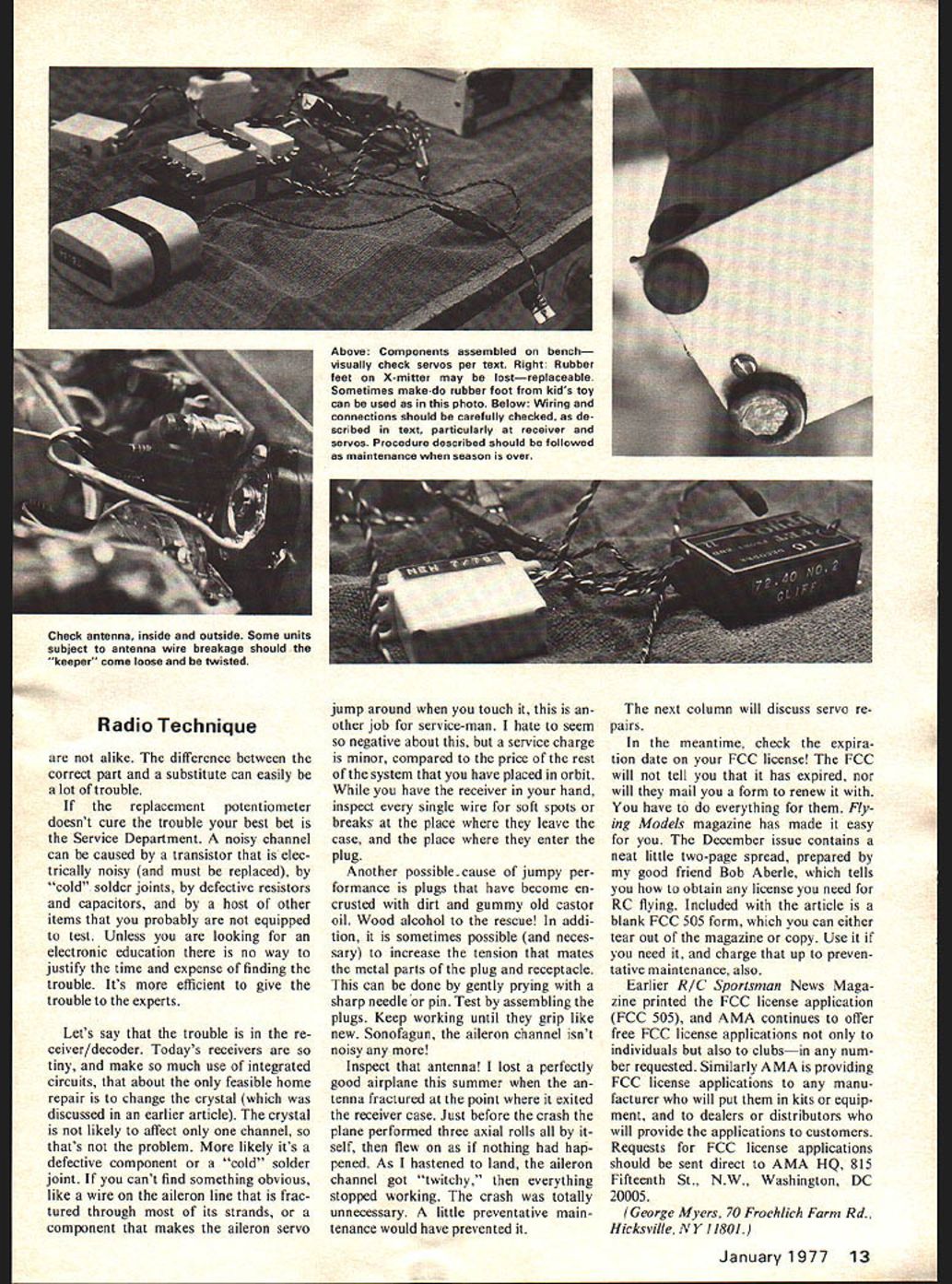
TABLE 2 Aileron | Elevator | Rudder | Throttle | Gear | Aux. 1 | Aux. 2 | Aux. 3 Slow Sticky Jumpy / Noisy ✓ (Aileron) Good ✓ (Elevator) ✓ (Rudder) ✓ (Throttle) ✓ (Gear) ✓ (Aux. 1) ✓ (Aux. 2) ✓ (Aux. 3) Let's say that the trouble is in the receiver/decoder. Today's receivers are so tiny, and make so much use of integrated circuits, that about the only feasible home repair is to change the crystal (which was discussed in an earlier article). The crystal is not likely to affect only one channel, so that's not the problem. More likely it's a defective component or a "cold" solder joint. If you can't find something obvious, like a wire on the aileron line that is fractured through most of its strands, or a component that makes the aileron servo jump around when you touch it, this is another job for service-man. I hate to seem so negative about this, but a service charge is minor, compared to the price of the rest of the system that you have placed in orbit. While you have the receiver in your hand, inspect every single wire for soft spots or breaks at the place where they leave the case, and the place where they enter the plug.
Another possible cause of jumpy performance is plugs that have become encrusted with dirt and gummy old castor oil. Wood alcohol to the rescue! In addition, it is sometimes possible (and necessary) to increase the tension that mates the metal parts of the plug and receptacle. This can be done by gently prying with a sharp needle or pin. Test by assembling the plugs. Keep working until they grip like new. Sonofagun, the aileron channel isn't noisy any more!
Inspect that antenna! I lost a perfectly good airplane this summer when the antenna fractured at the point where it exited the receiver case. Just before the crash the plane performed three axial rolls all by itself, then flew on as if nothing had happened. As I hastened to land, the aileron channel got "twitchy," then everything stopped working. The crash was totally unnecessary. A little preventative maintenance would have prevented it.
The next column will discuss servo repairs.
In the meantime, check the expiration date on your FCC license! The FCC will not tell you that it has expired, nor will they mail you a form to renew it with. You have to do everything for them. Flying Models magazine has made it easy for you. The December issue contains a neat little two-page spread, prepared by my good friend Bob Aberle, which tells you how to obtain any license you need for RC flying. Included with the article is a blank FCC 505 form, which you can either tear out of the magazine or copy. Use it if you need it, and charge that up to preventative maintenance, also.
Earlier R/C Sportsman News Magazine printed the FCC license application (FCC 505), and AMA continues to offer free FCC license applications not only to individuals but also to clubs — in any number requested. Similarly AMA is providing FCC license applications to any manufacturer who will put them in kits or equipment, and to dealers or distributors who will provide the applications to customers. Requests for FCC license applications should be sent direct to AMA HQ, 515 Fifteenth St., N.W., Washington, DC 20005.
(George Myers, 70 Froehlich Farm Rd., Hicksville, NY 11801.)
Transcribed from original scans by AI. Minor OCR errors may remain.

