
Safety Comes First
Gary A. Shaw Box 4520, Milton FL 32572 E-mail: fly_safe@worldnet.att.net
SometimeS I find it difficult to pick subjects for my column, because there are so many facets of our hobby that are ripe for discussion.
Rather than pick up from where I left off in the last column, this month I'll dip into the E-mail and mailbag to see what questions await.
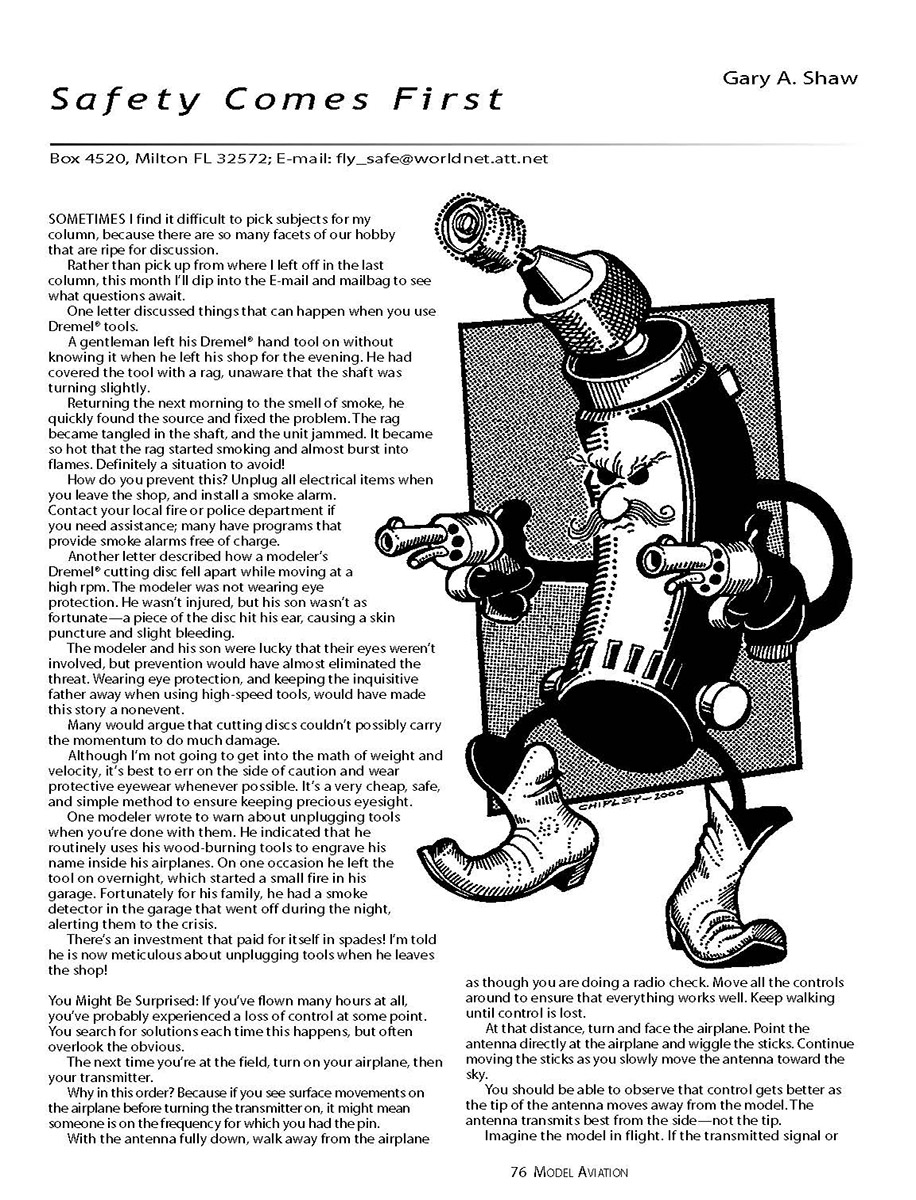
Dremel® Tools and Shop Safety
One letter discussed things that can happen when you use Dremel® tools.
A gentleman left his Dremel® hand tool on without knowing it when he left his shop for the evening. He had covered the tool with a rag, unaware that the shaft was turning slightly. Returning the next morning to the smell of smoke, he quickly found the source and fixed the problem. The rag became tangled in the shaft, and the unit jammed. It became so hot that the rag started smoking and almost burst into flames. Definitely a situation to avoid!
How do you prevent this? Unplug all electrical items when you leave the shop, and install a smoke alarm. Contact your local fire or police department if you need assistance; many have programs that provide smoke alarms free of charge.
Another letter described how a modeler’s Dremel® cutting disc fell apart while moving at a high rpm. The modeler was not wearing eye protection. He wasn’t injured, but his son wasn’t as fortunate — a piece of the disc hit his ear, causing a skin puncture and slight bleeding.
The modeler and his son were lucky that their eyes weren’t involved, but prevention would have almost eliminated the threat. Wearing eye protection, and keeping the inquisitive father away when using high-speed tools, would have made this story a nonevent.
Many would argue that cutting discs couldn’t possibly carry the momentum to do much damage. Although I’m not going to get into the math of weight and velocity, it’s best to err on the side of caution and wear protective eyewear whenever possible. It’s a very cheap, safe, and simple method to ensure keeping precious eyesight.
One modeler wrote to warn about unplugging tools when you’re done with them. He indicated that he routinely uses his wood-burning tools to engrave his name inside his airplanes. On one occasion he left the tool on overnight, which started a small fire in his garage. Fortunately for his family, he had a smoke detector in the garage that went off during the night, alerting them to the crisis.
There’s an investment that paid for itself in spades! I’m told he is now meticulous about unplugging tools when he leaves the shop.
You Might Be Surprised
If you’ve flown many hours at all, you’ve probably experienced a loss of control at some point. You search for solutions each time this happens, but often overlook the obvious.
The next time you’re at the field, turn on your airplane, then your transmitter. Why in this order? Because if you see surface movements on the airplane before turning the transmitter on, it might mean someone is on the frequency for which you have the pin.
With the antenna fully down, walk away from the airplane as though you are doing a radio check. Move all the controls around to ensure that everything works well. Keep walking until control is lost.
At that distance, turn and face the airplane. Point the antenna directly at the airplane and wiggle the sticks. Continue moving the sticks as you slowly move the antenna toward the sky.
You should be able to observe that control gets better as the tip of the antenna moves away from the model. The antenna transmits best from the side — not the tip.
Imagine the model in flight. If the transmitted signal or reception is weak for any reason (low batteries, short receiver antenna, another signal, etc.) and you point the antenna directly at the model as it flies, you can lose control! If you have a transmitter with adjustable antenna angle, orient it so it points away from the model as you fly. Most modelers fly with the transmitter pointing at the airplane; adjusting the angle up 10–20° is all you need.
Propeller Safety (Metal Versus Plastic, Fiber, and Wood)
The September 2000 column focused on why AMA outlawed the use of metal propellers. I’ve received a large portion of mail expressing concern about the cutting and shearing ability of plastic, fiber, wood, and metal propellers.
Robert Angel of Santa Maria, CA, expresses a strong opinion:
“Mr. Brandon is right on the money when he questions the safety of plastic and carbon propellers over wooden ones. There are good reasons why the heavier, sharper, unbreakable plastics do more damage to flesh, tendons, bone, and inanimate objects than their wooden counterparts.
Here’s why a plastic propeller does more damage. After weighing several samples, I found that plastic propellers weigh about 1.9 times, or nearly double, the weight of wooden propellers of the same diameter and pitch. If weight distribution between hub and tip is similar, then a plastic propeller has about 1.9 times, or nearly twice, the momentum (destructive power) as the wood propeller.
Plastics are stronger and will deliver full momentum. They don’t shear off as wooden propellers usually do. When a plastic propeller stays intact on impact, it delivers not only the momentum of its own mass, but that of all the reciprocating and rotating metal inside the engine.
Some folks are concerned about wooden propellers coming apart at high speed and/or shearing at impact. I’ve flown models for more than four years, and I’ve seen a lot of propeller incidents, and even been involved in a few. I’ve had a couple of plastic propellers separate near the hub at high rpm, but never a sound wooden propeller. When a wood blade shears on impact, the sheared edge bends and the rest of the blade flops around, bleeding off energy. The result is much less damage.
If you use plastic propellers, inspect them for hairline fractures and mounting-hub cracks before installation. Organic solvents, such as gasoline and some cleaners, can attack certain plastics; check the manufacturer’s warnings. Replace props that show damage, and don’t reuse props that have been clipped or altered. In general, treat plastic props with more respect than wood props and replace them more often.”
The broken portion usually falls away harmlessly and contains relatively little destructive energy.
Few engines turn faster than those of Formula I (Pylon) racing, where safety is of paramount concern. These Contest Directors are generally sharp on technical matters and allow only wooden propellers — no doubt for the reasons discussed here.
“The propeller always follows the laws of physics, not the logic of an unbeliever in the way it's going to strike and do damage. Follow the laws of physics whether you believe in them or not. Unfortunately, human nature resists the simple remedy of banning the various plastic and carbon-type propellers.
A good starting point would be to encourage the wooden propeller-makers to bring back higher quality, in the shape and finish of wooden propellers.”
Recommended precautions for propellers:
- Inspect props (especially plastic/carbon) for hairline cracks and hub damage before each use.
- Replace damaged, clipped, or chemically attacked props rather than reusing them.
- Treat plastic and carbon props with more respect than wood props — replace them more often.
- Prefer wooden props for high-RPM contest applications where allowed.
Loctite®
A common safety practice that many modelers overlook is securing metal-to-metal screw connections with Loctite®, to ensure that screws stay intact during flight.
Vibration plays a large part in what backs apart and comes off during flying. One drop of nonpermanent Loctite® goes a long way toward ensuring the kind of security your model needs to take to the air.
Consider using Loctite® on wheel collars, quick clips where pushrods are used, and screw links.
Do not use Loctite® on anything that becomes hot. It's almost impossible to get pieces apart once they're heated up.
That's all for this month. Hope your holidays are pleasant and the gifts are great!
MA
Transcribed from original scans by AI. Minor OCR errors may remain.

